

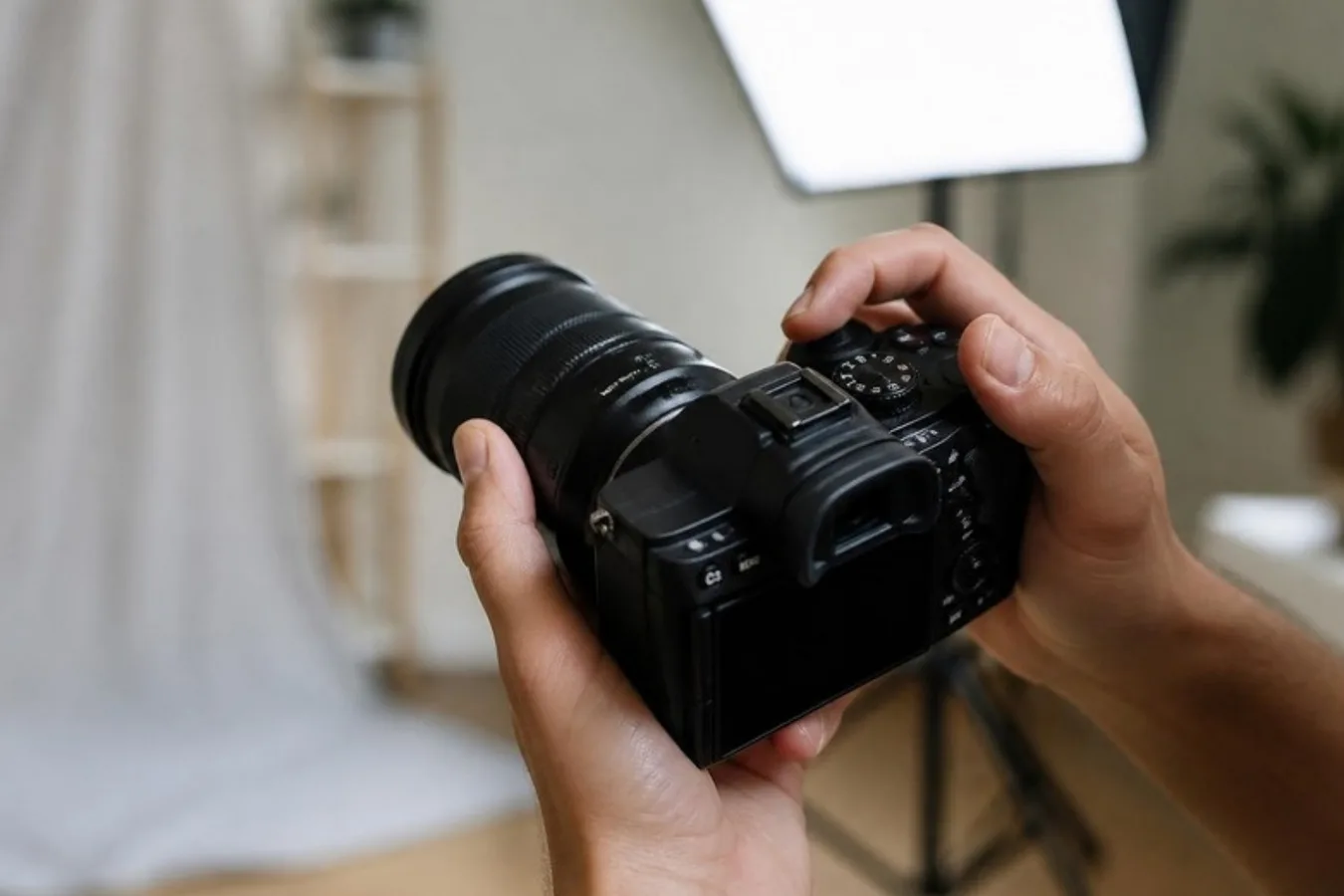
Amateur photography has changed enormously in a generation. At the turn of the millennium the average camera used rolls of film, and you waited days to see your holiday snaps. By the late 2000s the digital camera was a household essential. You could take hundreds of photos, look at each one on a screen, delete the duds and tidy up the rest. Today most of us have swapped the pocket camera for a phone.
A well-chosen filter and a careful edit can produce a photo fit for a frame. But can the average person compete with a professional? If you have ambitions as a portrait photographer, these five tips will help.
1. Invest in a good camera
If you are serious about portraits, you need a camera worthy of your ambitions. There are two main kinds with interchangeable lenses:
- The DSLR (digital single-lens reflex). A mirror inside reflects the light from the lens up through a prism to an optical viewfinder.
- The mirrorless camera. There is no mirror. Light falls straight on to the sensor, and the image is shown on the rear screen or in an electronic viewfinder.
Because of its mirror and prism, a DSLR is usually bulkier and heavier. Mirrorless cameras are smaller, are generally better for video, and show you the exposure before you take the picture, though they tend to use more battery.
Whichever you buy, take the time to learn it. Try every button and dial, read the manual, and move off automatic mode. Use it every day and you will soon get the hang of it.
2. Get to grips with exposure
Exposure is how light or dark a photograph is. It is controlled by three settings: the aperture (the size of the opening that lets light in), the shutter speed (how long light is let in for) and the ISO (how sensitive the camera is to light).
It can be hard to get your head round these at first. Fortunately there is a simpler control: exposure compensation. It is usually a button or dial marked with plus and minus signs. Set up the shot as normal, then go towards the plus to make the picture lighter, or the minus to make it darker.
This is especially useful for portraits. Cameras often get the exposure wrong when someone has very light or very dark skin, or is standing against a very bright or very dark background.
3. Use aperture priority mode
On most cameras you turn the mode dial to A or Av. You choose the aperture, and the camera picks a suitable shutter speed.
That matters for portraits because the aperture controls depth of field, which is how much of the picture is sharp. For a close-up portrait, choose a wide aperture (a low f-number). It gives a shallow depth of field, which keeps the face sharp and blurs the background. The wider the aperture, the softer the background.
4. Raise the ISO to prevent blur
People move, blink and change expression, and a camera held in the hands shakes a little. Both cause blur. The cure is a faster shutter speed.
The easy way to get one is to stay in aperture priority mode and raise the ISO. With the sensor more sensitive to light, the camera will choose a faster shutter speed.
As the ISO goes up, the picture becomes more 'noisy', or grainy. A slightly grainy portrait is almost always better than a blurred one.
5. Play around
A relaxed, open-minded attitude helps, especially at the start. There is no substitute for trial and error with a new camera. Just be methodical, and note what works and what does not.
Begin with people you know well. It is hard to relax in front of a camera, and a friendly atmosphere makes all the difference. The shots where someone is really laughing are always the ones you keep.
Framing the results
When you have portraits you are proud of, EasyFrame can frame them. We make picture frames and mounts to your exact specification and deliver them to your door. Our multi-aperture frames are ideal for a set of photos from a special occasion.
Find out more, and plan your frame, on our picture frames and mount design page.